Farm Layout Planner
Sketch your next farm before you till a single tile. Paint terrain, drop wiki-verified growing areas and tree spacing, then share a link or export your plan as an image.
Drag to paint terrain. Pick a footprint and move your pointer over the grid to preview exactly which tiles it covers — click to set it down (it turns red where it doesn't fit). Your work auto-saves in this browser — Share copies a link that reopens your exact plan, Export downloads it as a PNG you can post anywhere.
What's Verified vs. Sandbox
Every preset number below was checked against the community wiki (fieldsofmistria.wiki.gg, CC BY-SA 4.0) in August 2026 — and we only ship exact presets for numbers we could actually confirm:
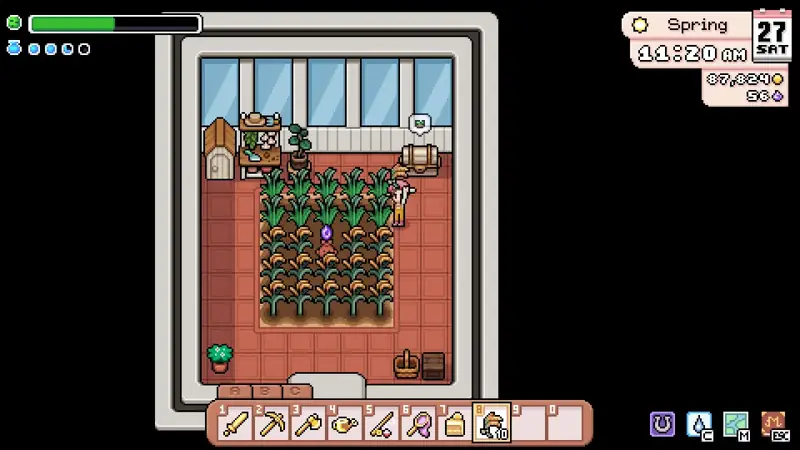
- Greenhouse growing areas — verified. The wiki's Greenhouse entry lists the Small greenhouse's internal growing space as 5×5 and the Large's as 10×10. That is exactly what our two greenhouse stamps mark out: the planting plot you gain, not the building. The exterior shell is visibly larger, but the wiki doesn't document its tile size — so we don't pretend to know it.
- Fruit tree spacing — verified. A sapling needs a completely clear 3×3 square — nothing else may occupy it, not debris, crops, buildings or water, per the Fruit Trees entry. The tree stamp reserves exactly that square.
- The build roster — verified. What you can place on the farm: barns (4/8/12 animals), coops (4/8/12) and greenhouses — all movable once built. The farmhouse and Caldarus' shrine (east of the farmhouse) are fixed, and a one-time expansion unlocks extra land to the right.
- Still sandbox. The wiki documents no building exterior footprints — that's why the barn/coop block is a clearly labelled 4×4 placeholder — and no farm grid dimensions or fixture coordinates, which is why this stays a free 44×30 canvas instead of a replica map. The moment those numbers surface, they ship here as exact presets: verify first, then ship.
From Sketch to Farm
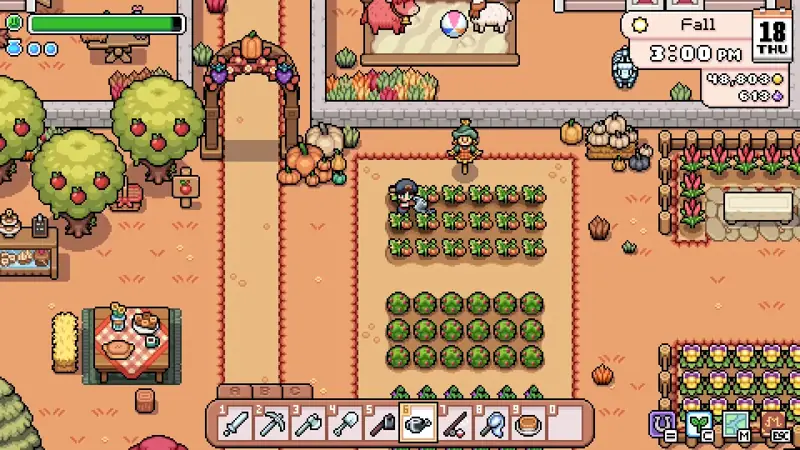
Browsing for inspiration first? The layout ideas gallery shows real in-game farms season by season. Planning what goes inside the protected space? The crop profit table tells you what earns its tile, and the greenhouse guide covers unlocking the footprints you just placed.
Gameplay Gallery